Years collaboration

6+

Client

Out Shiny Pvt Ltd

Industry

Consumer Electronics

Services

Conceptualization
Product Development
Feature Development
Testing & Deployment

Challenges

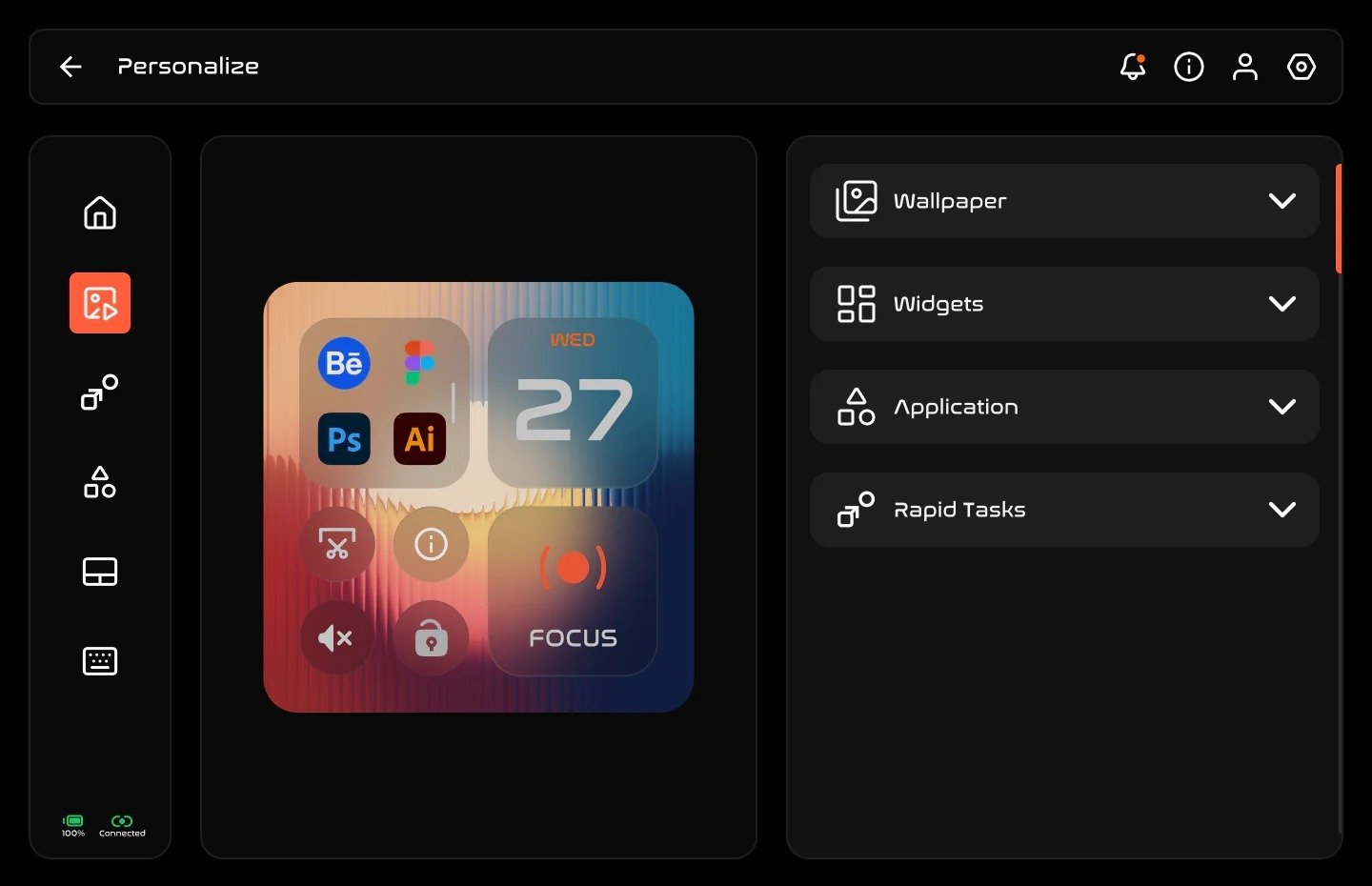
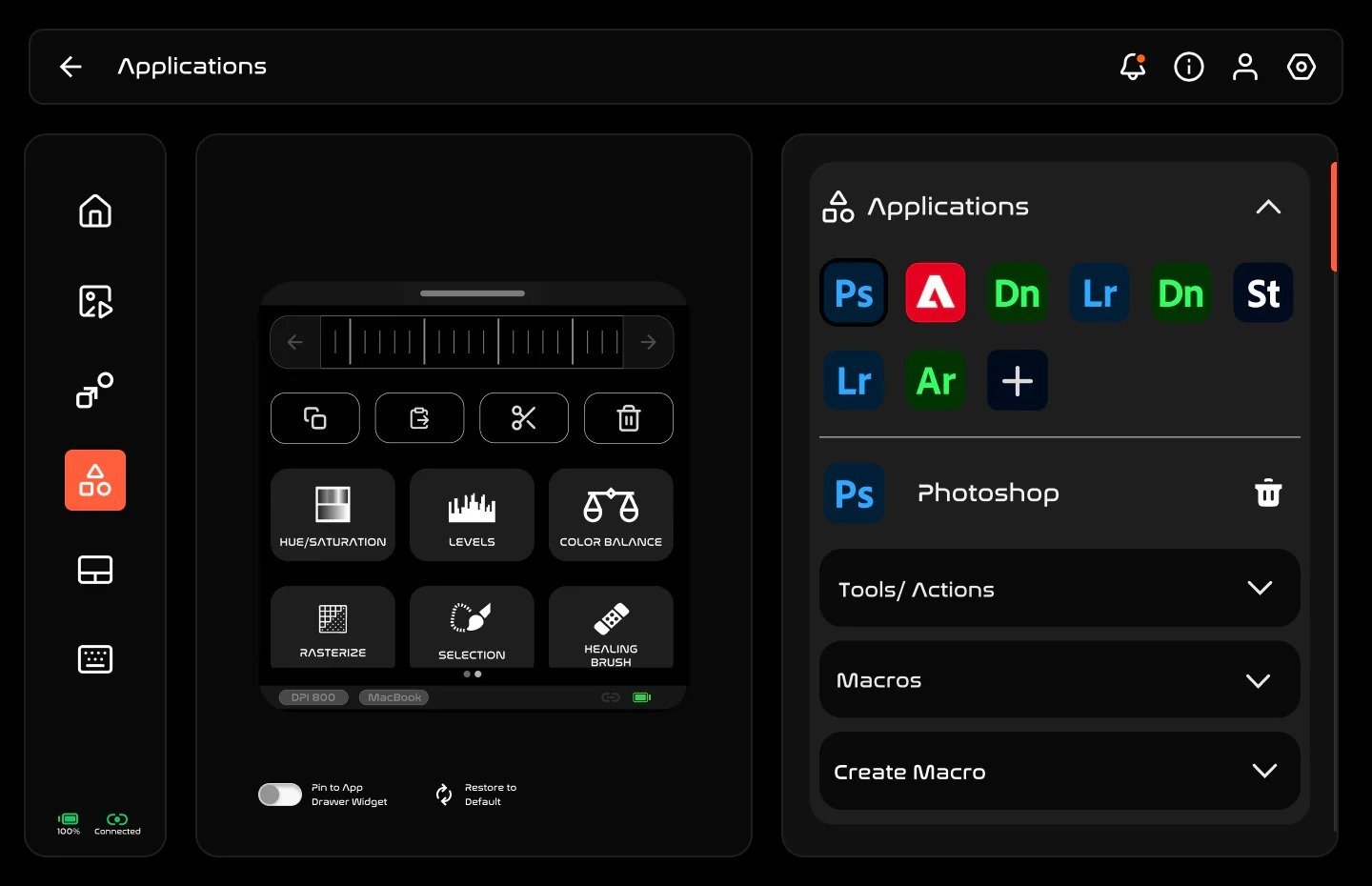
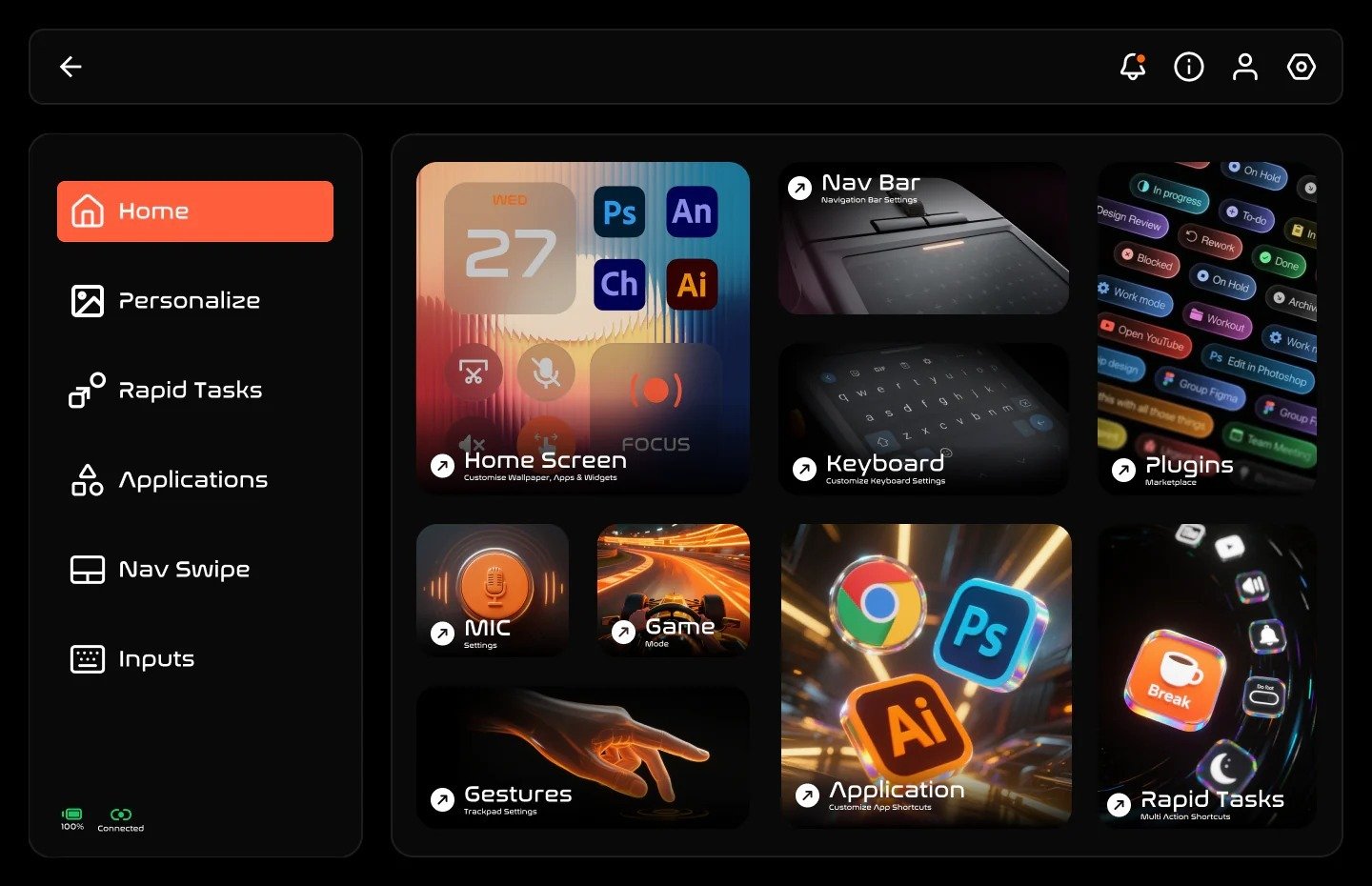
Super Mouse packs many features (touch display, trackpad, keyboard, voice, gyro, and calendar sync) into one device; the challenge was presenting all of it without overwhelming the visitor or slowing the page down. Ensuring the desktop companion app (Flow) and hardware messaging worked consistently across Windows and macOS audiences was equally important to deliver a seamless experience across platforms.

Building and clearly communicating a secure, permission-based calendar sync feature using Google OAuth, including privacy messaging, helped build user trust around data handling and reinforced confidence in how user data was managed.

1

Conceptualization

Requirement Analysis

Feasibility Research

Bluetooth Technology Research

Communication Protocol Planning

System Architecture

2

Product Development

Android Native Development

Windows WPF (C#)

macOS Swift

Cross-Platform Communication

Device Configuration

3

Feature Development

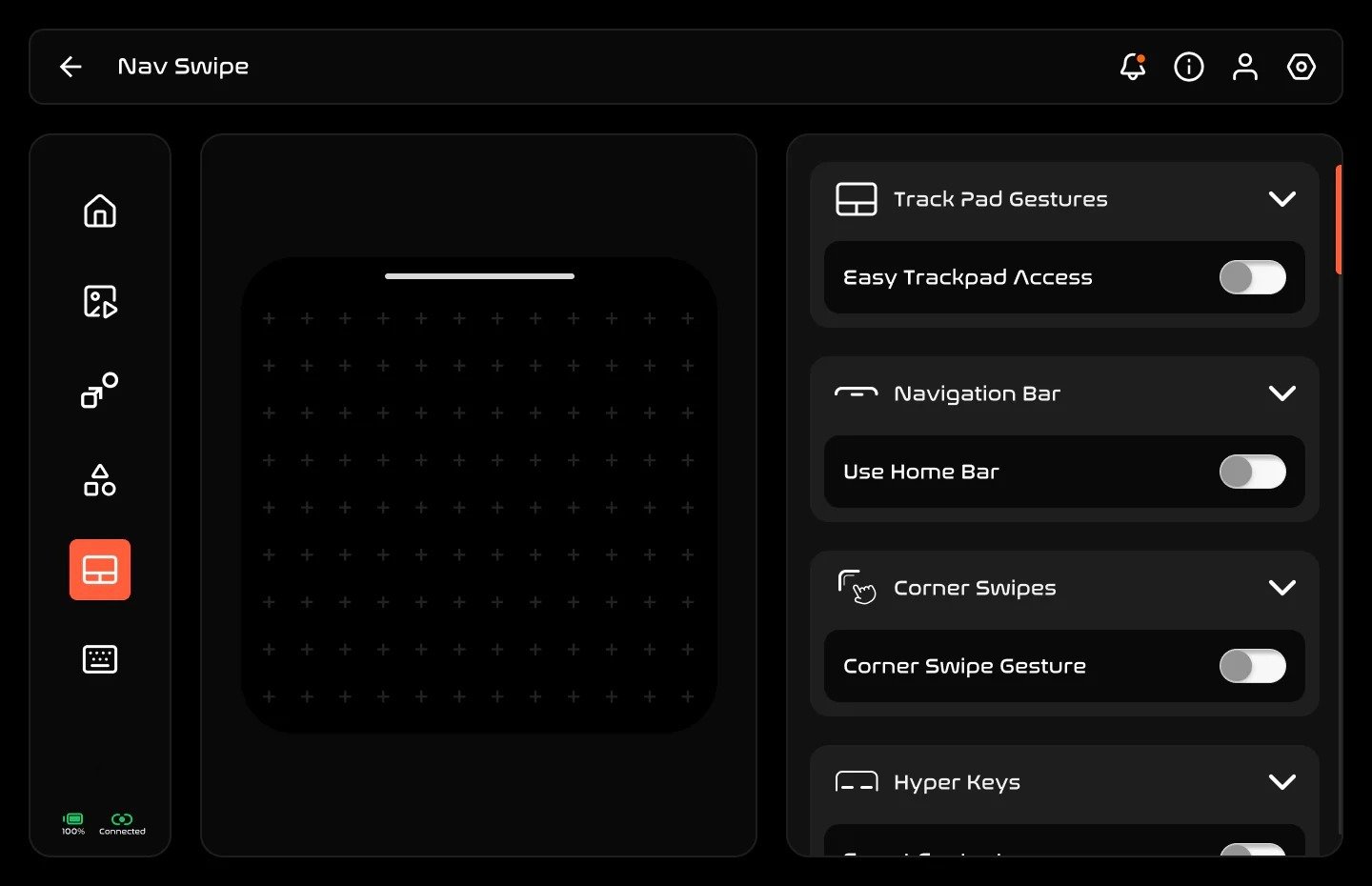
Touchpad Navigation

Mouse Controls

Keyboard Shortcuts

Media Controls

Custom Key Mapping

4

Testing & Deployment

Functional Testing

Device Compatibility

Performance Optimization

Outcome

Richer product portfolio in input devices
You will differentiate from standard mouse by offering a smart device that combines multi-touch trackpad, on-device keyboard, app launcher, and calendar view.


Higher perceived value per accessory
The unique combination of 720×720 touch display, macros, and voice dictation can justify premium pricing and bundles with productivity laptops or creator's setups.


Better engagement on product page
A feature-rich story—smart controls, Google Calendar integration, and smart notifications—gives more reasons for users to scroll, interact with content, and consider the product.


Upsell pathways
You can cross-sell to users looking at premium keyboards, productivity software, or creator's tools, using the “Flow desktop application” and ecosystem messaging as a hook.

Impact

Brand perception as innovation-friendly Selling a device that integrates gesture control, app-specific smart screens, and rapid task automation strongly positions your company as a source of advanced productivity tools.


New customer segments You can target power users, creators, remote workers, and professionals who benefit from quick calendar access, macros, and multi-app control from one device.


Potential for partnerships As you list Arctic Fox products, you may explore co‑marketing content around the Super Mouse ecosystem and Flow desktop app, emphasizing workflows and Google Calendar integration.


Catalog and UX evolution Your product templates, feature icons, and comparison tables will mature to handle complex devices (touch display, macros, voice dictation) that go beyond simple “DPI” and “button count”.


Support knowledge base expansion You will need help articles covering installation of the Flow desktop application, connecting Google account via OAuth, adjusting calendar permissions, and revoking access if needed.


Data and privacy communication maturity Your site will become more explicit about how third‑party products handle encrypted transmission and data storage, which can increase overall customer trust if communicated consistently.
Let's collaborate

Let's

collaborate

Create Something

Brilliant Together!

Create

something

Brilliant

Together!